AI Customer Support for Small Businesses: 7 Practical Uses That Keep the Human Touch
How small businesses can use AI for customer support without frustrating customers: 7 practical use cases, tools to consider, costs, risks and a simple rollout plan.

A customer messages your business at 11 p.m. asking whether you deliver to their area. By the time someone replies at 10 the next morning, they’ve already ordered from a competitor. For many small businesses, this is the everyday cost of limited support hours. It’s also why AI customer support has moved from a big-company luxury to something a three-person shop can realistically use.
The challenge is using AI in a way that helps customers instead of trapping them in a frustrating chatbot loop. This guide covers seven practical uses of AI customer support for small businesses, the tools involved, realistic costs and risks, and a step-by-step rollout plan.
- 100% free
- Call direct
- Voice search
- Urdu & English
In this article
Why Small Businesses Are Adopting AI Support
- Customers expect fast replies, often within minutes, especially on WhatsApp and Instagram
- Most questions repeat: prices, hours, delivery areas, order status and return policies
- Hiring for night or weekend coverage is expensive
- AI tools have become cheaper and are built into platforms businesses already use
The goal isn’t replacing people. It’s letting AI handle the repetitive 60–70% so humans can focus on complicated, emotional or high-value conversations.
 Also readAI Bookkeeping for Small Businesses: What It Can Automate and What You Still Need to Check
7 Practical Uses of AI in Customer Support
1. Instant Answers to Frequently Asked Questions
An AI assistant trained on your FAQ, price list and policies can answer common questions around the clock on your website, WhatsApp Business or Facebook Messenger. Keep its knowledge narrow: only your approved information, so it doesn’t invent answers.
2. Order Status and Tracking
Connected to your e-commerce platform or courier, an assistant can answer “Where is my order?” automatically. That’s often the single most common support question for online stores.
3. Drafting Replies for Human Agents
One of the safest uses: the AI suggests a reply, and a staff member reviews and sends it. This speeds up support dramatically while keeping a human in control of every message. Many helpdesk tools now include this feature.
4. Smart Triage and Routing
AI can read incoming messages, detect the topic and urgency, and route them: complaints to the manager, wholesale enquiries to sales, refund requests to accounts. Angry or urgent messages can jump the queue.
5. Multilingual Support
For businesses serving customers in English, Urdu, Arabic or other languages, AI translation lets a small team respond in the customer’s language. Always have native speakers spot-check important templates.
6. Summarising Conversations and Spotting Trends
AI can summarise long email threads before an agent picks them up, and scan hundreds of messages to show what customers ask about most. If 30% of questions are about delivery times, that’s a signal to fix the website, not just answer faster.
7. Appointment Booking and Reminders
Salons, clinics, tutors and repair shops can let an assistant check availability, book slots and send reminders, reducing no-shows and phone calls.
Tools to Consider
You don’t need custom development. Common options include:
- Helpdesk platforms with built-in AI, such as Zendesk, Freshdesk, HubSpot, Intercom and Zoho Desk, offering reply suggestions, bots and routing
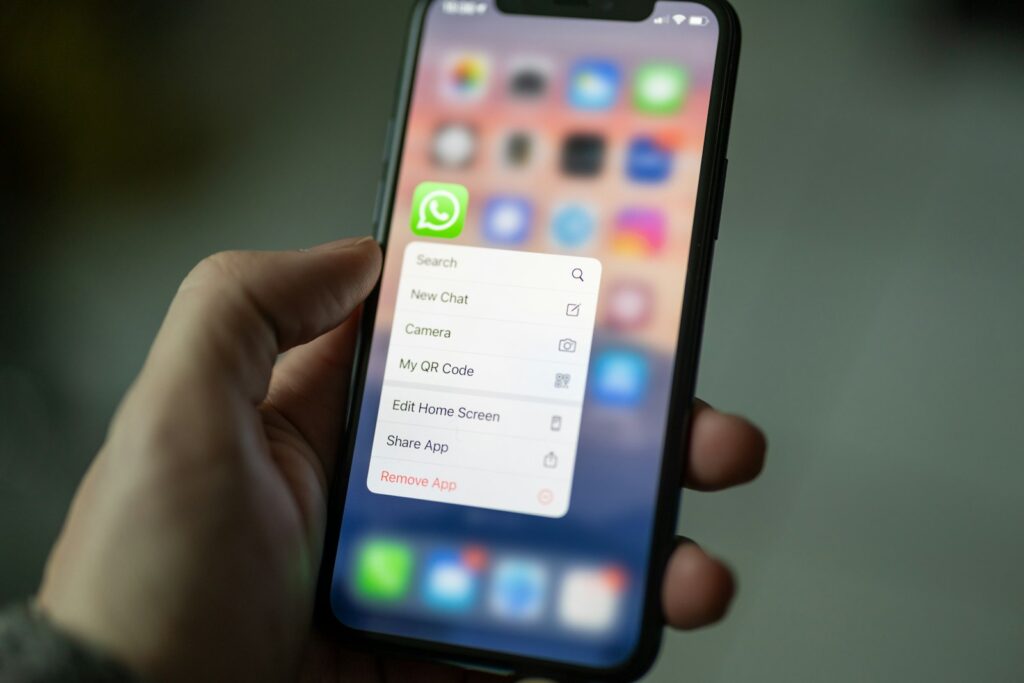
- WhatsApp Business tools: quick replies and greeting messages in the free app, and AI chatbot integrations through the WhatsApp Business Platform via approved providers
- E-commerce apps for Shopify and WooCommerce that answer order-status and product questions
- General AI assistants for drafting templates, FAQs and policy wording that you then review
Prices change often and many tools charge per agent or per AI conversation, so compare current plans carefully against your message volume.
The Risks, and How to Manage Them
- Wrong answers (“hallucinations”): limit the AI to your own knowledge base and test it with tricky questions before launch.
- Frustrated customers: always offer a clear “talk to a person” option.
- Privacy: don’t paste sensitive customer data into tools without understanding how it’s stored. Check the provider’s data policies.
- Brand voice: review the tone so replies sound like your business, not a robot.
- Over-promising: make sure the AI can’t offer refunds, discounts or delivery dates you can’t honour.
Regulators are paying attention too. The US Federal Trade Commission has published guidance warning businesses about misleading claims about AI, which is a useful reminder to be honest with customers about what your assistant is and can do.

A Simple 5-Step Rollout Plan
- List your top 30 questions from the last three months of messages, emails and calls.
- Write clear, approved answers to each, including policies, prices and edge cases.
- Start with AI-drafted replies reviewed by staff for two to four weeks.
- Automate the safest topics such as hours, location and order tracking once you trust the answers.
- Review weekly: read conversations, fix wrong answers, add new FAQs, and track response time and customer satisfaction.
Writing a Knowledge Base Your AI Can Use
An AI assistant is only as good as the information you give it. Before switching anything on, write a short, plain-language knowledge base:
- One topic per entry: “Delivery areas,” “Return policy,” “Payment methods,” “Opening hours”
- Specific facts: exact fees, timeframes and conditions, not vague promises
- What the AI must not do: for example, “Never promise same-day delivery” or “Never approve refunds; hand these to a staff member”
- Escalation rules: when to pass a chat to a human, such as complaints, damaged items or anything involving payments
- Tone examples: two or three sample replies written in your brand’s voice
Update it whenever prices or policies change. An outdated knowledge base is the most common reason AI assistants give wrong answers.
Measuring Success
- First response time: should drop sharply
- Resolution rate: share of conversations solved without human help
- Escalation rate: how often customers ask for a person
- Customer satisfaction: a simple thumbs up/down after each chat
- Sales impact: orders that started in a support conversation
Support improvements should also show up in your numbers. If faster replies are winning more orders, it will show in your cash position, which you can track with a 13-week cash flow forecast.
Real-World Example
A small online clothing store receives around 150 WhatsApp messages a day, mostly about sizes, delivery charges and order status. After adding an AI assistant trained on its size chart, delivery policy and order system, roughly two-thirds of those questions get answered instantly, at any hour. The two-person team now spends its time on exchanges, complaints and styling advice for repeat customers, the conversations that actually build loyalty.
Frequently Asked Questions
Will customers be annoyed by talking to AI?
They’re annoyed by bad bots that can’t help and won’t hand over. A fast, accurate assistant with an easy route to a human is usually welcomed.
Should I tell customers they’re chatting with AI?
Yes. Transparency builds trust, and in some jurisdictions it may be required.
How much does AI customer support cost?
It ranges from free basic features to monthly per-agent or per-conversation fees. Start small and scale with volume.
Can AI handle complaints?
It can acknowledge, gather details and route complaints quickly, but resolving them is best left to a person.
The Bottom Line
AI customer support lets small businesses answer faster, cover more hours and spend human time where it matters most. Start with drafted replies and FAQs, keep a human one click away, and review conversations weekly. Done carefully, AI doesn’t remove the human touch. It frees your team to offer more of it. Find more ideas in our AI Ideas section.

Covers business ideas, small business finance and technology for Business Recorder.