Apple to Let Users Choose Rival AI Models Across iOS 27 Features
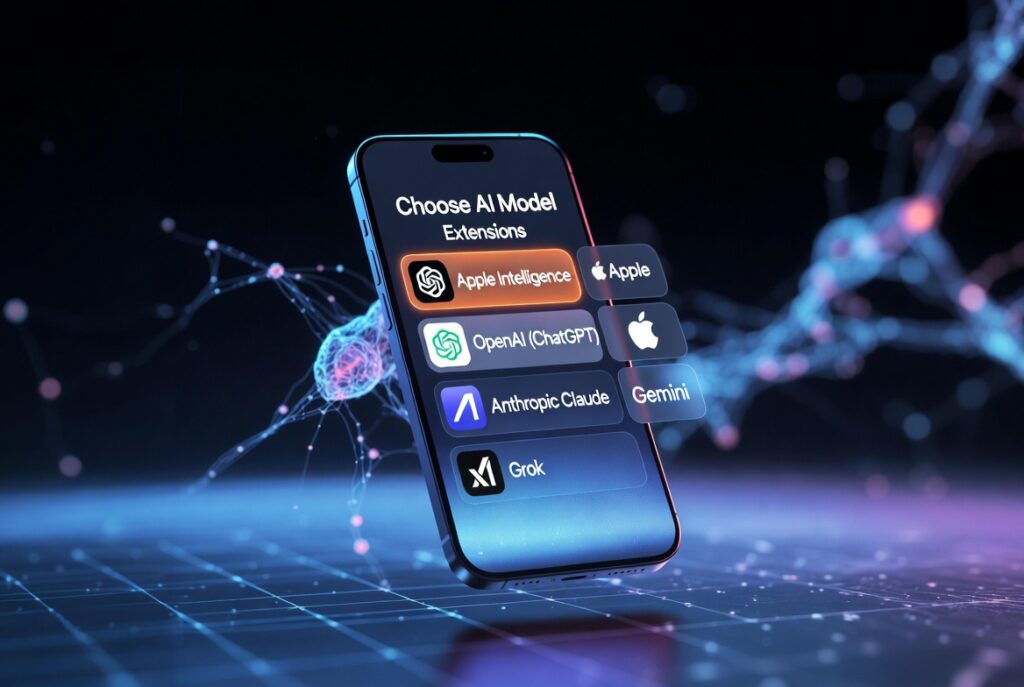
Apple is taking a significant step toward greater user empowerment in artificial intelligence. According to recent reports, the company plans to allow iOS 27, iPadOS 27, and macOS 27 users to select rival AI models for powering various Apple Intelligence features. This move builds on Apple’s strategy to position its devices as a comprehensive AI platform while giving users more control over their experience.
Instead of being limited to Apple’s own models or a single partner like OpenAI’s ChatGPT (introduced in earlier versions), users will soon choose from multiple third-party options for tasks such as text generation, image editing, and intelligent assistance. This “Extensions” capability promises to make Apple devices more versatile than ever.
In this comprehensive guide, we’ll explore everything you need to know about this upcoming feature: how it works, which AI models might be available, the benefits and potential drawbacks, setup tips, real-world use cases, and more.
 Also readCash Flow Forecasting for Small Businesses: A Simple 13-Week Method That Prevents Surprises
In this article
- Understanding the Announcement: Apple’s Shift Toward AI Flexibility
- How the New “Extensions” System Will Work in iOS 27
- Which Rival AI Models Are Expected?
- Benefits of Choosing Rival AI Models on Apple Devices
- Potential Drawbacks and Considerations
- Comparing Apple Intelligence with Rival AI Models
- Step-by-Step: How to Choose and Switch Rival AI Models in iOS 27
- Real-World Scenarios and Practical Examples
- Impact on Siri: A Revamped, More Powerful Assistant
- Privacy and Security in the Age of Open AI Extensions
- Expert Tips for Maximizing Your AI Experience
- Future Outlook: What Comes Next for Apple AI?
- Conclusion: Empowering Users with Choice in AI
Understanding the Announcement: Apple’s Shift Toward AI Flexibility
Bloomberg reporter Mark Gurman and other sources revealed that Apple is developing an “Extensions” system for iOS 27. This will let users assign preferred third-party AI services to handle specific generative tasks across the system.
The change is slated for release in fall 2026 alongside the new operating systems. Developers of rival AI models can opt in by adding support through their App Store apps. Once installed, users can configure these models via the Settings app to power features like:
- Enhanced Siri responses
- Writing Tools for text rewriting, summarization, and proofreading
- Image Playground for generating and editing visuals
- Other Apple Intelligence capabilities
This development represents a maturation of Apple’s AI strategy. While the company has emphasized on-device processing and privacy with its own Apple Intelligence features, it is now opening the door wider to competition in a way that prioritizes user choice.
Rival AI models such as Google’s Gemini, Anthropic’s Claude, xAI’s Grok, and others could become seamless alternatives or complements to Apple’s built-in tools, depending on user preference and task requirements.
How the New “Extensions” System Will Work in iOS 27
Apple refers to this new capability internally as “Extensions.” It functions similarly to how users currently manage app permissions or default services but applied to AI backends.
Key Mechanics:
- Installation via App Store — Third-party AI providers release or update apps that include Extension support.
- Settings Integration — A dedicated section in Settings > Apple Intelligence (or similar) will list available models.
- Per-Feature or System-Wide Assignment — Users can assign different models to different tasks. For example, use one model for creative writing and another for image generation.
- On-Demand Processing — The system will route requests to the chosen model while maintaining Apple’s privacy safeguards where possible.
- Fallback Options — Apple’s own models or previously integrated partners remain available as defaults.
This granular control means you won’t be locked into one AI ecosystem. Early test builds reportedly include messages explaining that Extensions allow access to generative AI capabilities from installed apps on demand.
Which Rival AI Models Are Expected?
While Apple hasn’t published an official list, reports point to broad compatibility for providers that opt in. Potential options include:
- OpenAI’s ChatGPT/GPT models — Already partially integrated; deeper system-wide access expected.
- Google’s Gemini — Strong in multimodal tasks (text, image, video understanding).
- Anthropic’s Claude — Known for thoughtful, safety-focused responses and excellent writing capabilities.
- xAI’s Grok — Potentially appealing for real-time information and unique personality.
- Other emerging models from startups or specialized providers.
Apple is expected to maintain strict requirements for privacy, performance, and reliability. Not every AI company will qualify immediately, but the ecosystem should grow rapidly after launch.
For more on major AI models, check this Wikipedia overview of large language models.
Benefits of Choosing Rival AI Models on Apple Devices
Allowing rival AI models brings several clear advantages:
- Personalization — Select the model that best matches your needs (e.g., creative tasks vs. analytical work).
- Performance Optimization — Some models excel in specific areas like coding, research, or visual creativity.
- Competition Drives Innovation — Developers will compete to offer better integration, features, and pricing.
- Avoiding Vendor Lock-in — Users gain freedom similar to choosing default search engines or browsers.
- Enhanced Capabilities — Access cutting-edge features from leaders in the field without leaving the Apple ecosystem.
Real-world scenario: A professional writer might choose Claude for nuanced editing in Writing Tools, while a designer uses Gemini-powered Image Playground for faster concept generation.
Potential Drawbacks and Considerations
No major change comes without trade-offs. Here are balanced points to consider:
- Privacy Implications — While Apple emphasizes safeguards, routing data to third-party servers may involve different privacy policies. On-device options will likely remain preferred for sensitive tasks.
- Performance Variability — Cloud-based rival models might introduce latency compared to fully on-device processing.
- Cost — Some advanced models may require subscriptions beyond Apple’s free tier.
- Consistency — Switching models could lead to varying response styles across features.
- Battery and Data Usage — Heavier reliance on cloud AI might impact device resources.
Expert Tip: Start with Apple’s default models for everyday tasks and experiment with rivals for specialized needs. Monitor settings for data permissions carefully.
Comparing Apple Intelligence with Rival AI Models
| Aspect | Apple’s Models | Rival AI Models (e.g., Gemini, Claude) |
|---|---|---|
| Privacy Focus | Strong on-device emphasis | Varies; often more cloud-dependent |
| Integration | Seamless system-wide | Good via Extensions, but may vary |
| Cost | Mostly free | May require separate subscriptions |
| Strengths | Speed, reliability, ecosystem | Specialized capabilities, creativity |
| Customization | Limited | High (model choice per task) |
| Availability | Built-in | Depends on developer opt-in |
This flexibility positions Apple devices as true AI platforms rather than closed gardens. For in-depth analysis on AI competition, see this Forbes article on the AI landscape.
Step-by-Step: How to Choose and Switch Rival AI Models in iOS 27
Once iOS 27 arrives, setup should be straightforward:
- Update Your Device — Ensure you have iOS 27 or later.
- Install AI Apps — Download compatible third-party AI apps from the App Store.
- Navigate to Settings — Go to Apple Intelligence > Extensions (or similar menu).
- Select Models — Choose default or per-feature assignments.
- Test Features — Try Writing Tools, Siri, Image Playground with your chosen model.
- Adjust as Needed — Switch models anytime based on performance.
Beginner-Friendly Advice: If you’re new to AI, begin with one rival model for all features to understand differences before fine-tuning.
Real-World Scenarios and Practical Examples
- Students: Use a strong reasoning model like Claude for summarizing lecture notes via Writing Tools.
- Content Creators: Leverage image-focused models in Image Playground for quick social media visuals.
- Professionals: Route complex queries to specialized models through enhanced Siri for research or data analysis.
- Everyday Users: Keep Apple’s models as default for privacy-sensitive tasks like email summaries, switching to rivals for creative brainstorming.
Imagine drafting a business proposal: Apple Intelligence handles structure and grammar with on-device tools, while a chosen rival model generates market insights or creative taglines on demand.
Impact on Siri: A Revamped, More Powerful Assistant
The new Siri in iOS 27 is expected to benefit immensely. Users will assign preferred rival AI models for handling complex queries, making Siri more capable and adaptable. This goes beyond the existing ChatGPT integration, offering true choice across the assistant’s functions.
Privacy and Security in the Age of Open AI Extensions
Apple is likely to implement robust controls, such as:
- User consent for each request
- On-device processing where possible
- Private Cloud Compute for sensitive cloud tasks
- Clear data usage transparency
This approach aims to balance openness with the privacy-first philosophy that defines Apple products.
Expert Tips for Maximizing Your AI Experience
- Benchmark Models: Test the same prompt across different models to find your favorites.
- Task-Specific Assignment: Use stronger models for demanding tasks and efficient ones for quick replies.
- Monitor Resources: Check battery and data usage in Settings after heavy AI use.
- Stay Updated: Follow App Store updates from AI providers for improved Extensions.
- Combine Strengths: Use multiple models for different features to create a hybrid powerhouse setup.
Future Outlook: What Comes Next for Apple AI?
This iOS 27 feature could pave the way for even deeper customization, developer tools, and perhaps on-device fine-tuning of rival models. It signals Apple’s confidence in its hardware while embracing a more open AI ecosystem.
As the AI landscape evolves rapidly, features like these keep Apple competitive and user-focused.
Conclusion: Empowering Users with Choice in AI
Apple’s decision to let users choose rival AI models across iOS 27 features marks an exciting evolution in personal computing. By introducing the Extensions system, Apple is delivering greater flexibility, personalization, and innovation potential without compromising its core values.
Whether you’re a power user seeking the best tool for every job or a casual user wanting a smarter Siri, this update puts control firmly in your hands. The ability to seamlessly integrate models like Gemini, Claude, or others alongside Apple’s own technology creates a truly customizable AI experience.
Actionable Takeaways:
- Prepare by keeping your device updated and exploring current Apple Intelligence features.
- Research AI providers that interest you ahead of the iOS 27 release.
- Start simple when assigning models, then refine based on real usage.
- Prioritize privacy by reviewing permissions for each Extension.
This shift not only enhances what your iPhone, iPad, and Mac can do but also sets a new standard for user choice in the AI era. Stay tuned for official details this fall, and get ready to make your devices work smarter than ever with the power of rival AI models at your fingertips.

Get in Touch We welcome your feedback, inquiries, suggestions, and news tips. Whether you are a reader, advertiser, or business partner, our team is here to assist you. Email: businesstomark@gmail.com